
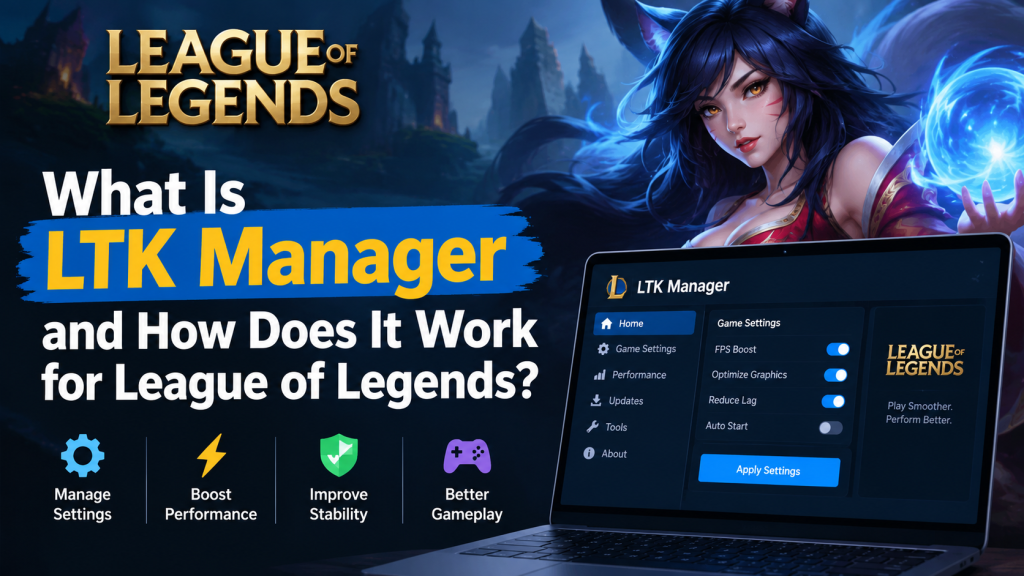
LTK Manager is the successor to the older League mod manager, built by the League Toolkit team to give players a modern way to customize League of Legends. It installs, organizes, and manages fan-made modifications such as custom skins, maps, HUDs, and audio packs, without editing game files manually.
When a modification is enabled, the manager builds an overlay containing only the changed files, and its patcher directs the game to read those files instead of the originals. This guide explains what LTK Manager is, how it works, what it can and cannot do, and who it is best suited for. By the end, beginners will understand the workflow clearly, from installation to playing with a first modification, without confusion.
Read More: Is LTK Manager Safe to Use? Will It Get My League of Legends Account Banned?
What Is LTK Manager?
LTK Manager is a free, open-source desktop application for League of Legends players who want to personalize their game beyond the standard content. It was developed by the League Toolkit team as the successor to the older cslol-manager, which is now in maintenance mode, with new development focused on LTK Manager. It is designed for Windows 10 or later, 64-bit, and it is intended for players who want more control over visual and audio customization without handling game files directly.
No modding experience is required to use its core features, although its built-in Workshop also serves experienced creators who want to build, edit, and package modifications. The application itself does not create skins, and it does not sell content. It manages modifications created by the community, and it provides the structure that makes those modifications usable, organized, and easy to turn on or off.
What Can You Customize?
The range of customization is broader than skins alone, although skins remain the most popular use. A modification changes how something in League looks or sounds, and different modification types affect different parts of the experience. Understanding these categories helps beginners choose modifications that match what they actually want to change, rather than installing a large library without a clear purpose.
- Champion skins, including complete visual redesigns and alternate appearances for individual champions.
- Map textures and environments, which change the look of the playing field and its surroundings.
- HUD and interface elements, which alter menus, frames, and on-screen presentation.
- Audio packs and voice modifications, which change sounds, announcements, or champion voices.
- Visual effects, loading screens, and fonts, which refine smaller details of presentation.
How LTK Manager Works: The Overlay and the Patcher
The most important technical idea behind LTK Manager is also the easiest to misunderstand. LTK Manager never edits the original League installation. When a modification is enabled, the manager builds an overlay, which is a separate collection containing only the game files that the modification changes. The patcher then runs as a service that redirects file requests from the game to that overlay. In practical terms, when League asks for a particular game file, the patcher answers with the modified version if one is enabled, and with the original version if no modification affects that file.
The original files on disk remain untouched, which makes it possible to disable a modification, stop the patcher, or rebuild the overlay without reinstalling the game. The patcher must run before League starts a match, because modifications are applied at the moment the game loads its files. If the game is already running, enabling a modification afterward will not change the current match. The first patcher start after adding or changing modifications can take several minutes, because the overlay must be prepared, while later starts reuse that work and complete more quickly.
The Complete Workflow
Once the manager is installed, the day-to-day workflow follows a consistent pattern. Learning this pattern once removes most beginner confusion, because every later task, from adding a new skin to fixing a problem after a patch, is a variation of the same sequence.
- Install LTK Manager and allow it to detect the League of Legends installation, selecting the game folder manually if automatic detection does not succeed.
- Import a compatible modification file in .fantome, .modpkg, or .zip format by dragging it onto the manager window or using Import in the toolbar.
- Review the imported modification in the library, confirm that it is enabled, and organize it into a folder or profile if desired.
- Select Start in the toolbar and wait until the status bar confirms that the patcher is running.
- Launch League of Legends through the Riot Client as usual, enter a match, and verify that the modification appears in game.
- After playing, select Stop Patcher, and after any League patch, update the manager if prompted, run a health check, and re-patch before playing again.
Key Features Explained
The mod library is the heart of LTK Manager. It presents installed modifications visually, with search, folders, and sorting, so a large collection remains manageable. Profiles allow different combinations of enabled modifications to be saved and switched quickly, which is useful for players who prefer different setups for different champions or moods. Health checks examine modifications on import and again after a game patch, repair problems where possible, and identify modifications that cannot be fixed, so problems are discovered before a match rather than during it.
Diagnostics provide additional information when a modification fails to load, and the integrated Workshop allows creators to browse game archives, edit files in a structured editor, test modifications in game, and package them in the modern .modpkg format, which carries metadata such as name, version, authors, description, and thumbnail. The older .fantome format remains fully supported, so modifications created for the previous manager continue to work without conversion.
What LTK Manager Cannot Do
A clear understanding of limitations prevents disappointment and unsafe assumptions. LTK Manager cannot make custom skins visible to other players, because modifications exist only on the individual user’s computer, and opponents and teammates continue to see standard content. It cannot safely unlock paid Riot skins, chromas, or content that a player does not own, and tools designed for that purpose belong to a different and higher-risk category. It cannot provide gameplay advantages, such as improved vision, automated actions, or altered game logic, because its modifications replace assets only, not game behavior or server communication.
It cannot guarantee compatibility after every League patch, because patches rewrite game archives and individual modifications may need updates from their authors. It cannot currently run on macOS or Linux for gameplay, since those platforms are planned but not officially supported for the patcher. Finally, it cannot guarantee protection from account enforcement, because Riot Games does not endorse custom modifications, and users proceed at their own risk.
Who Is LTK Manager Best For?
LTK Manager is best suited for players who enjoy visual personalization, who are comfortable following a structured setup process, and who understand that customization is a personal experience rather than a shared one. It suits players who want to try community-created skins, refresh the look of maps and interfaces, or experiment with audio themes, and who are willing to maintain their library after patches.
It is also well suited for creators who want a modern workspace for building and packaging modifications. It is less suitable for players who want other people to see their skins, who expect paid content without purchase, who seek competitive advantages, or who cannot accept any account risk. For those players, the standard game, without any modification manager, remains the appropriate choice.
Common Misunderstandings
One common misunderstanding is that installing LTK Manager automatically changes the game. It does not. Installation alone adds no modifications, and a match will look completely standard until a modification is imported, enabled, and loaded through the patcher. Another misunderstanding is that a modification that works once will work forever. League patches regularly change game files, so a modification built for an older patch may stop working, display incorrectly, or need to be disabled until its author updates it.
A third misunderstanding is that a problem with one modification means the manager is broken. In most cases, the manager is functioning correctly, and the issue lies with a single incompatible modification, an incorrect game path, or a patcher that was not running before the match. A final misunderstanding concerns safety. Open-source status and a clean interface do not make every modification safe, because individual mod files still come from different authors and sources, and each one should be judged on its reputation, format, and behavior.
Conclusion
LTK Manager is best understood as a modern management layer between players and community creativity. It does not create content, it does not change gameplay, and it does not alter the original game. It organizes modifications, builds a safe overlay, starts a patcher before play, and gives players a clear way to enable, disable, test, and maintain their customizations. For players who value visual personalization and are willing to accept the responsibilities that come with unendorsed modification, including patch maintenance and residual account risk, it provides a structured and powerful workflow.
Pingback: LTK Manager vs cslol-manager: Which One Should You Use in 2026? - ltk manager
Pingback: Uninstall or Remove Mods in LTK Manager