
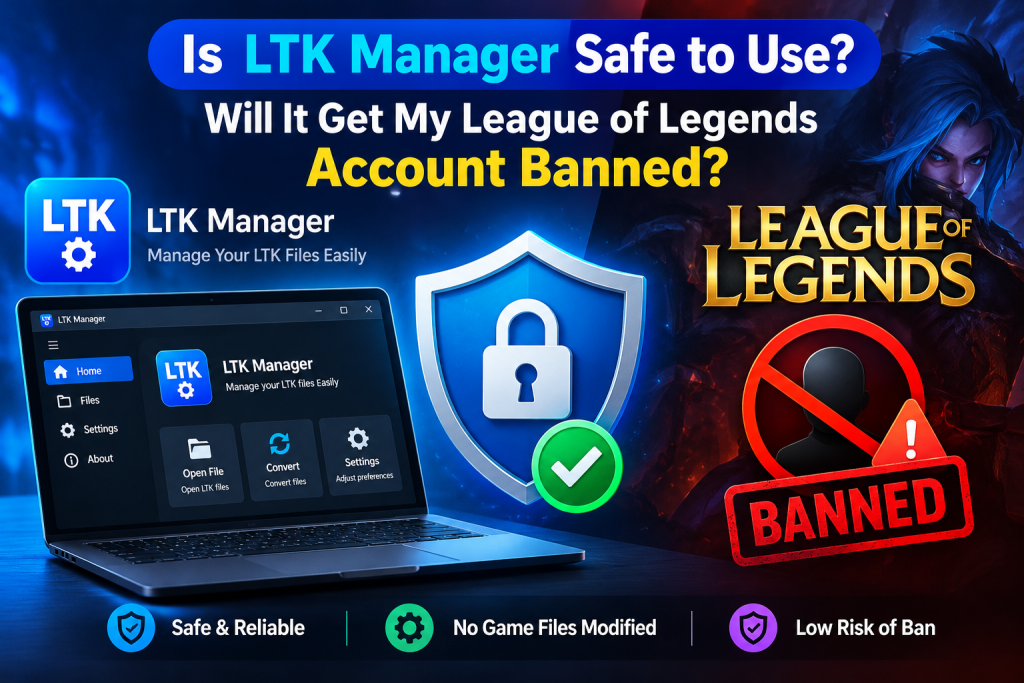
Many League of Legends players ask the same question before installing LTK Manager: is it safe, and could it get my account banned? The honest answer is more nuanced than a simple yes or no. LTK Manager is a free, open-source tool that manages fan-made visual modifications, such as custom skins, maps, and HUDs, without editing the original game installation.
However, Riot Games does not endorse custom modifications, and its policies allow enforcement against tools that reproduce paid content or alter gameplay. This guide explains the real risks plainly, distinguishes safe fan-made mods from high-risk skin unlockers, and shows how to reduce risk if you choose to use LTK Manager. It does not promise safety, because no third-party tool can.
Read More: How to Download and Install LTK Manager on Windows 10 and 11?
The Short Answer
LTK Manager cannot be described as completely safe, and it cannot be described as automatically unsafe either. No third-party modification manager can guarantee that an account will never face enforcement, and LTK Manager itself states that users proceed at their own risk. At the same time, not every use carries the same level of risk.
A fan-made visual skin that only changes what the player sees is fundamentally different from a tool that unlocks paid Riot skins, alters gameplay, or injects code into the live game process. The safest way to understand the risk is therefore not to ask whether the manager is safe in isolation, but to ask what kind of modification is being used, where it came from, and whether the player is prepared to accept the remaining risk.
What LTK Manager Actually Does
LTK Manager is a desktop application for installing, organizing, enabling, and managing League of Legends modifications. It supports the established .fantome format and the newer .modpkg format, and it allows users to group modifications into profiles, check their health after a game patch, and repair problems where possible. Crucially, it does not edit the original League installation. Instead, it builds an overlay containing only the files changed by enabled modifications, and the patcher answers the game’s file requests from that overlay.
Other players do not see these modifications, because they exist only on the individual user’s computer. This design matters for risk assessment, because it separates visual customization from gameplay manipulation. A custom skin does not change damage, vision, cooldowns, movement, or any information sent to Riot’s servers. It changes appearance only.
What Riot Games Actually Says
Riot Games does not endorse custom modifications, and its third-party application policy reserves the right to take action against applications that allow the use of its assets for free, a category commonly described as skin hacks. That policy does not name every fan-made modification tool individually, and it does not promise that a particular tool will be ignored. It also does not mean that every player who has ever used a custom skin is immediately banned.
Enforcement in this area is discretionary, inconsistent by design, and often delayed. Community reports indicate that some players use visual modifications for long periods without action, while others report penalties after detection waves. A period without a penalty therefore proves nothing about future safety. Players should treat any statement that a mod manager is ban-proof, undetectable, or officially approved as false.
The Critical Distinction: Fan-Made Mods Versus Paid Skin Unlockers
This distinction explains most of the confusion about LTK Manager safety. Fan-made modifications are original community creations: a new skin design, a re-textured map, a different HUD style, or a custom sound pack. They do not reproduce a paid Riot skin that the player does not own. Paid skin unlockers, by contrast, are designed to display Riot’s own paid skins, chromas, and multi-form skins without purchase.
Some separate tools in this category depend on the LTK patcher for their technical operation, which is why their names often appear alongside LTK Manager, but their purpose is different and their risk is substantially higher. Riot’s policy language targets free use of its assets directly, which is precisely what a paid skin unlocker does. LTK Manager, used strictly for fan-made visual modifications, does not fall into that same category, but it still operates outside Riot’s endorsement. Mixing the two categories, or using LTK Manager as a gateway to paid skin unlocking, removes any meaningful safety argument.
Vanguard, Detection, and Why Risk Is Not Zero
League of Legends uses Vanguard, Riot’s anti-cheat system, which is particularly focused on injection and memory tampering in the live game process. File-based modification managers, which prepare an overlay before a match rather than injecting code during play, have historically been reported by the community as lower risk than injector-based skin changers, several of which were discontinued after Vanguard arrived. That comparison should not be mistaken for safety. Vanguard can still flag incompatible software, antivirus programs can quarantine patcher files and create confusing errors, and Riot can change its detection or enforcement approach without warning.
A further complication is timing. Enforcement is often processed in waves, so an account action may arrive months after the modification was used, which makes it difficult to attribute a penalty to a single mod or session. The correct conclusion is therefore cautious: file-based visual modding appears lower risk than injection-based unlocking in community experience, but it remains an unendorsed activity with a real, non-zero risk.
Download Safety Is a Separate Risk
Account risk is only one half of safety. Download risk is the other half, and it is often more immediate. A genuine modification is a package of game assets. It is never an executable installer, it never asks for a Riot account login, and it never requires payment through an unofficial channel. Malicious files in this ecosystem most commonly arrive disguised as mods, loaders, or free skin packages, and they can steal credentials, install unwanted software, or compromise a computer long before any Riot enforcement question arises.
Open-source status helps, because the manager’s code can be inspected, but it does not make every community modification safe. Each mod file must be judged on its own source, reputation, format, and behavior. A safe manager combined with an unsafe download is still unsafe.
How to Use LTK Manager More Safely
Risk cannot be eliminated, but it can be reduced substantially by disciplined habits. The practices below do not make LTK Manager officially safe, but they address the most common causes of account problems, malware exposure, and broken setups.
- Use only fan-made visual modifications, and never use a tool or mod that unlocks paid Riot skins, chromas, or content you do not own.
- Download the manager only from the official League Toolkit release page, and download mods only from reputable communities with a clear track record.
- Keep the enabled library small, test new modifications in a Practice Tool or custom game first, and disable anything that behaves unexpectedly.
- Keep League of Legends, LTK Manager, and modifications updated, and run a health check and re-patch after every game patch.
- If the account matters professionally, competitively, or financially, do not use any modification manager on that account at all, because accepting the residual risk is a personal decision, not a technical guarantee.
- Stop immediately if a warning, restriction, or unexpected account message appears, remove modifications, and do not attempt to evade enforcement by switching tools or accounts.
Red Flags to Avoid Completely
- Any modification, loader, or installer delivered as an executable file, since genuine mods are asset packages, not programs.
- Any site or file requesting a Riot username, password, verification code, or account recovery information, since no mod or manager ever needs those credentials.
- Any tool promising free paid skins, unlimited content, undetectable operation, or a guarantee against bans.
- Any modification advertising a gameplay advantage, such as improved vision, automated actions, altered hitboxes, or information not normally available in game.
- Any download from an anonymous upload, a comment link, or a paid mirror that cannot be traced back to the official project or a reputable mod community.
What to Do If Something Goes Wrong
If a modification stops working, the first step is diagnosis, not escalation. Stop the patcher, confirm that the modification is enabled, check that League and LTK Manager are updated, run a health check, and re-patch. If the game was recently patched, an individual modification may simply need an update from its author, and disabling it is the correct response. If antivirus software blocks the patcher, the file origin should be verified against the official release before any exception is granted.
If an account warning or restriction occurs, modifications should be removed immediately and the issue should be reviewed through Riot’s official support channels with an honest account of what was used. Attempting to hide usage, switch to another unlocking tool, or create a replacement account to continue the same behavior increases risk rather than resolving it.
Conclusion
LTK Manager is best understood as a well-built tool for a deliberately grey area. It is open-source, it does not edit original game files, and when used strictly for fan-made visual modifications from trusted sources, it sits at the lower-risk end of League modding. None of that makes it officially safe, and none of it overrides Riot’s right to enforce its policies. The players who use it most responsibly are those who understand that distinction before installing anything: fan-made only, trusted sources only, small libraries, prompt updates after patches, and immediate cessation after any warning.
Pingback: What Is LTK Manager and How Does It Work for League of Legends? - ltk manager